Features Pricing Support ES

Organize your money

The personal finance app for freelancers and independent workers. No spreadsheets. No hassle.

Coming Soon on the App Store
Coming soon on Android →

Founder beta closed · Launching soon on iOS

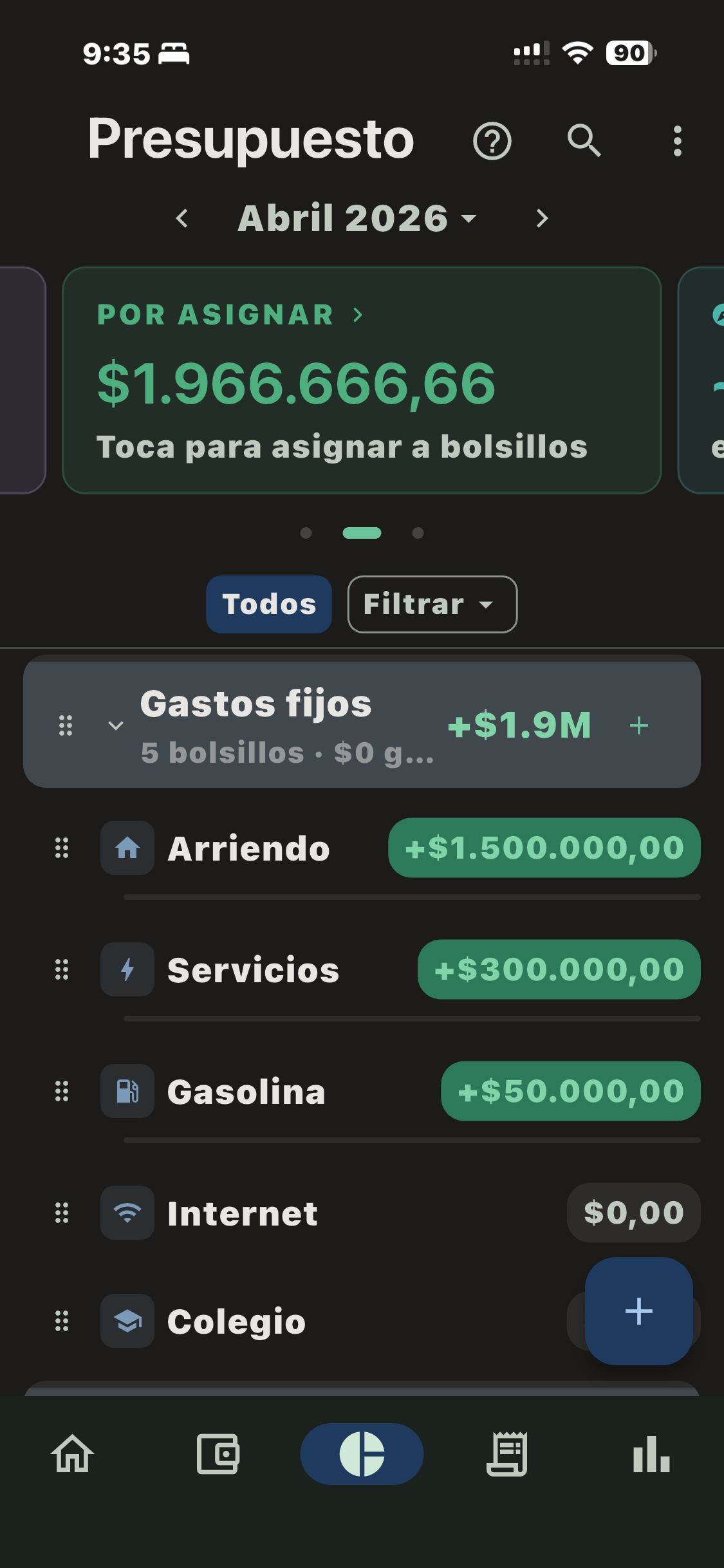
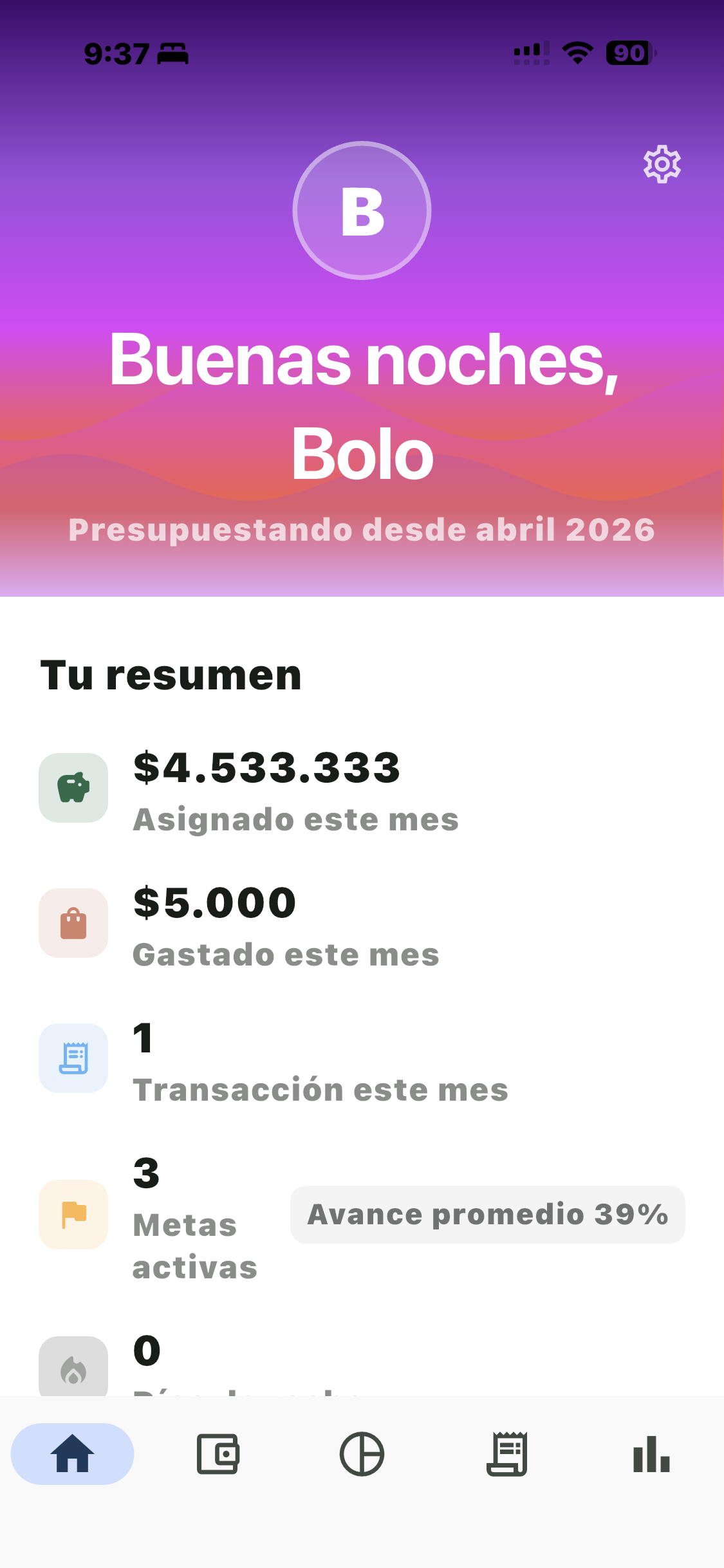
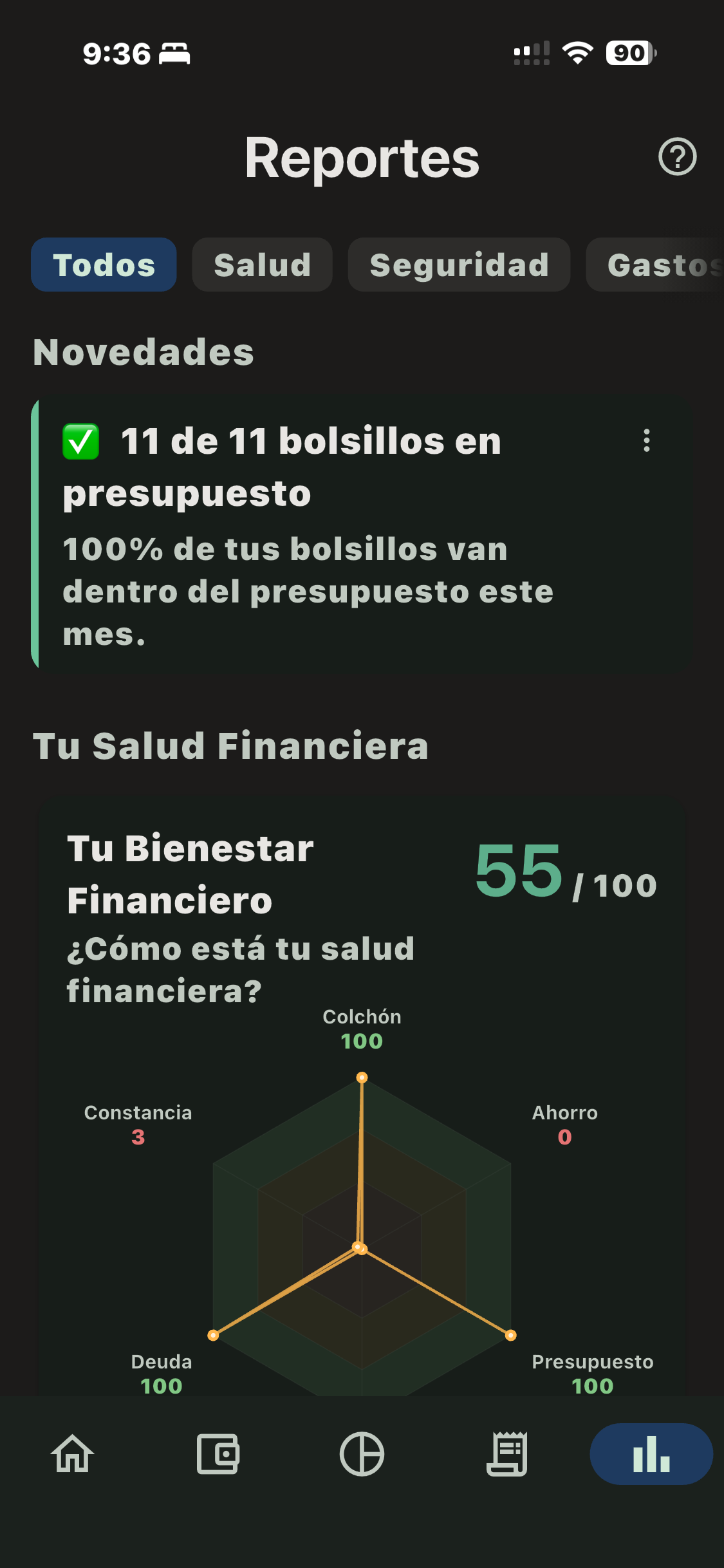
Budget in Bolsillos Bolsillos home screen Reports in Bolsillos
⭐ 4.8 on App Store 50 founders · beta closed ✓ Made in Colombia 🇨🇴

That simple

💰

Log your income

Got paid? Tell the app how much and where from.

📂

Organize into envelopes

Every dollar has its place. Rent, groceries, savings, fun money.

😌

Spend with peace of mind

What's left is truly yours. No guilt.

1 · 2 · 3

Bolo
Bolo recommends starting with 5 envelopes. You don’t need 47. Relax.

What you can do

Organize your money into envelopes

Every dollar has its envelope

Assign your money as soon as it arrives. Bills, groceries, savings — all separated before you spend it without realizing.
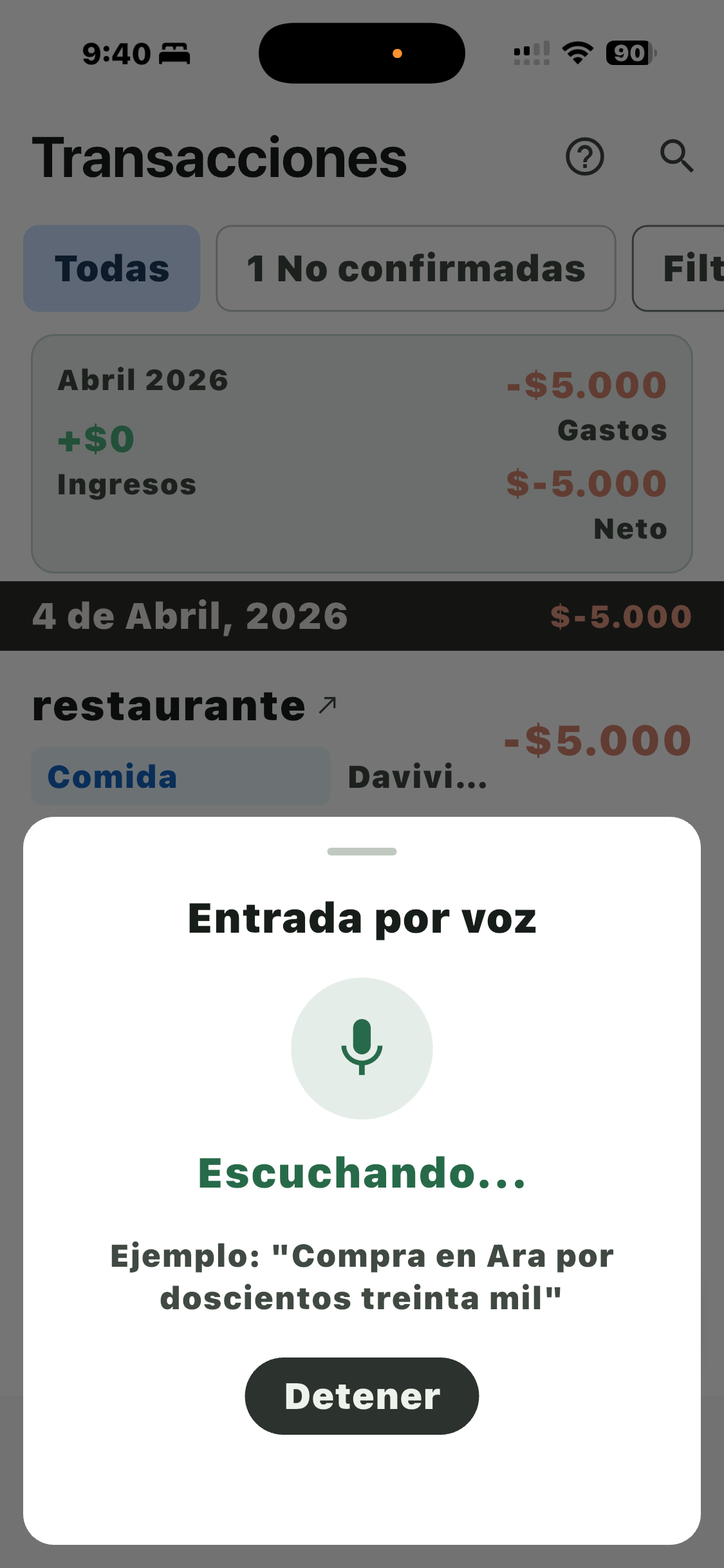
Log expenses with your voice

Log with your voice

Say “Lunch at the diner for $12” and done. The app recognizes the store and assigns the envelope.

Spending reports

Understand your money

Clear reports: where it goes, how much you save, your spending pace. No financial jargon.
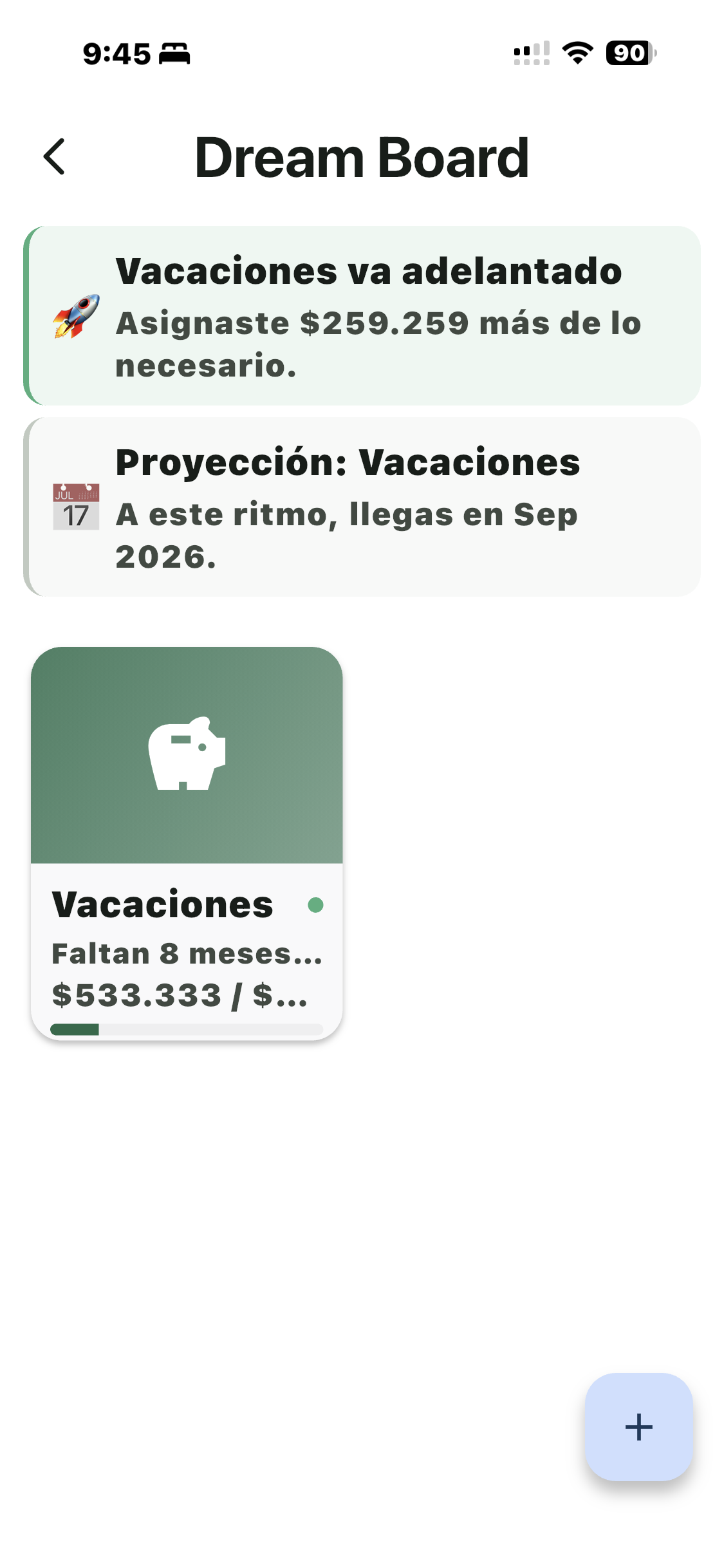
Dream Board goals

Goals that actually happen

Vacation, motorcycle, emergency fund — add a picture and Bolsillos calculates how much to set aside each month.
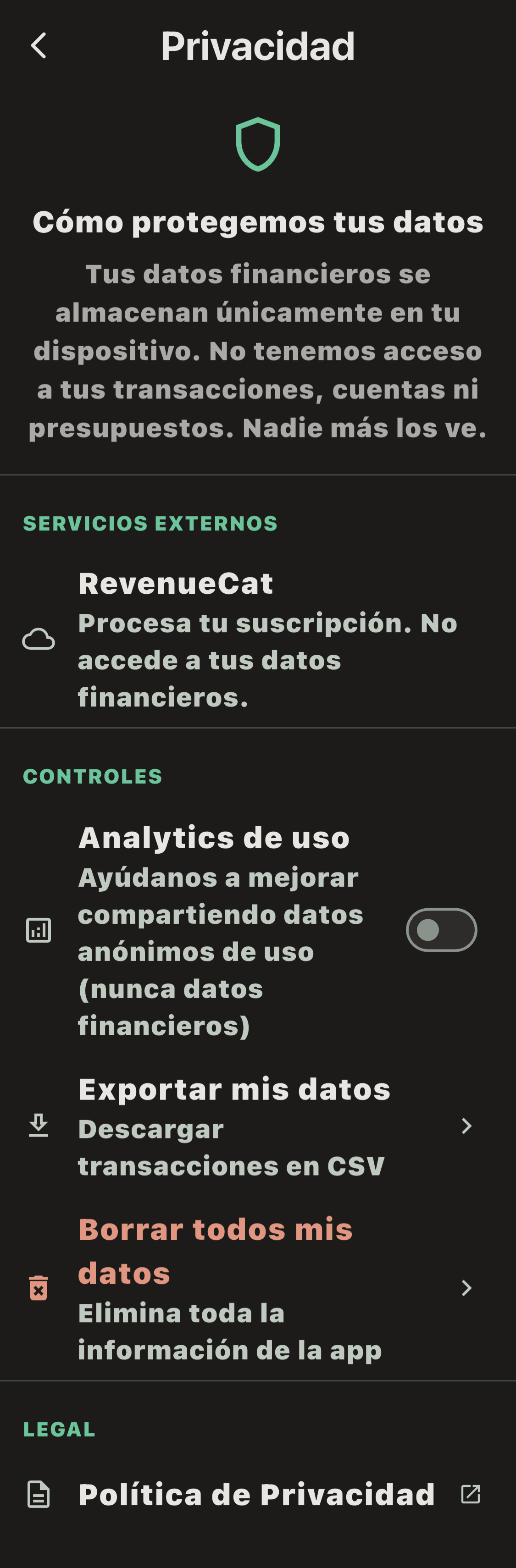
Privacy and security

100% private and local

Your money stays on your phone. Encrypted. No cloud. No tracking. Your information is yours alone.

Bolo

Meet Bolo

Your personal financial capybara. Accompanies you, celebrates with you, and occasionally reminds you that Excel is not a financial plan.

Bolo
Bolo organized his acorns into envelopes before it was cool. Now he’s teaching you.

“[Testimonial pending]”

— Name, City

“[Testimonial pending]”

— Name, City

“[Testimonial pending]”

— Name, City

Plans

save 2 months

Free

$0/month
  • 2 accounts
  • 5 envelope groups
  • 50 transactions/month
  • Basic reports
  • Goals
  • Local backup
Coming Soon

Pro

$50/year ~$4.17/month
  • Everything in Free with no limits
  • Plus:
  • Unlimited accounts and envelopes
  • Unlimited transactions
  • Voice input
  • Your Year in Bolsillos
  • Icons and themes
  • iCloud backup
  • YNAB import
Coming Soon

3 months free with annual plan

Frequently asked questions

We answer your questions

Is it safe to use Bolsillos with my money?
Yes, 100%. All your information is stored locally on your phone, encrypted with AES-256. There’s no server of ours that stores it, no cloud, no tracking. Not even we can see your data.
I already tried Excel and failed. Why would this work?
Because Bolsillos does the heavy lifting for you. You don’t have to create formulas or maintain a spreadsheet. Log an expense in seconds — even with your voice — and the app does the math.
I’m a freelancer with irregular income. Does it work for me?
It was designed exactly for that. You can log irregular income, assign what came in to the envelopes you need, and always see clearly how much you have available to spend guilt-free.
Can I try Pro for free?
Yes. With the monthly plan you get 15 days free. With the annual plan, 3 months free. No credit card required to start.
Is it only for iPhone?
For now, yes — it’s available only for iOS. Android is on its way — leave your email below and we’ll let you know when it’s ready.
What happens if I lose my phone?
With Pro, you have automatic iCloud backup that you can restore on any iPhone. With the Free plan, you can manually export your backup and save it wherever you want.
Does it connect to my bank?
Not yet. Manually logging expenses (or with voice) is part of the experience — it keeps you aware of your money. Open Finance integration is on the roadmap for 2027.

Your money deserves a system that works

Not another month doing mental math. Not another spreadsheet.

Coming Soon on the App Store

Use Android?

Leave your email and we’ll let you know when it’s ready.

🔒 No spam. Just the launch notification.

Bolo
Bolo says: the worst that can happen is you organize your money. The best… well, that’s up to you.

Your friend invited you to Bolsillos:

Download the app → Settings → Enter this code